Appendix B — Troubleshooting and finding help
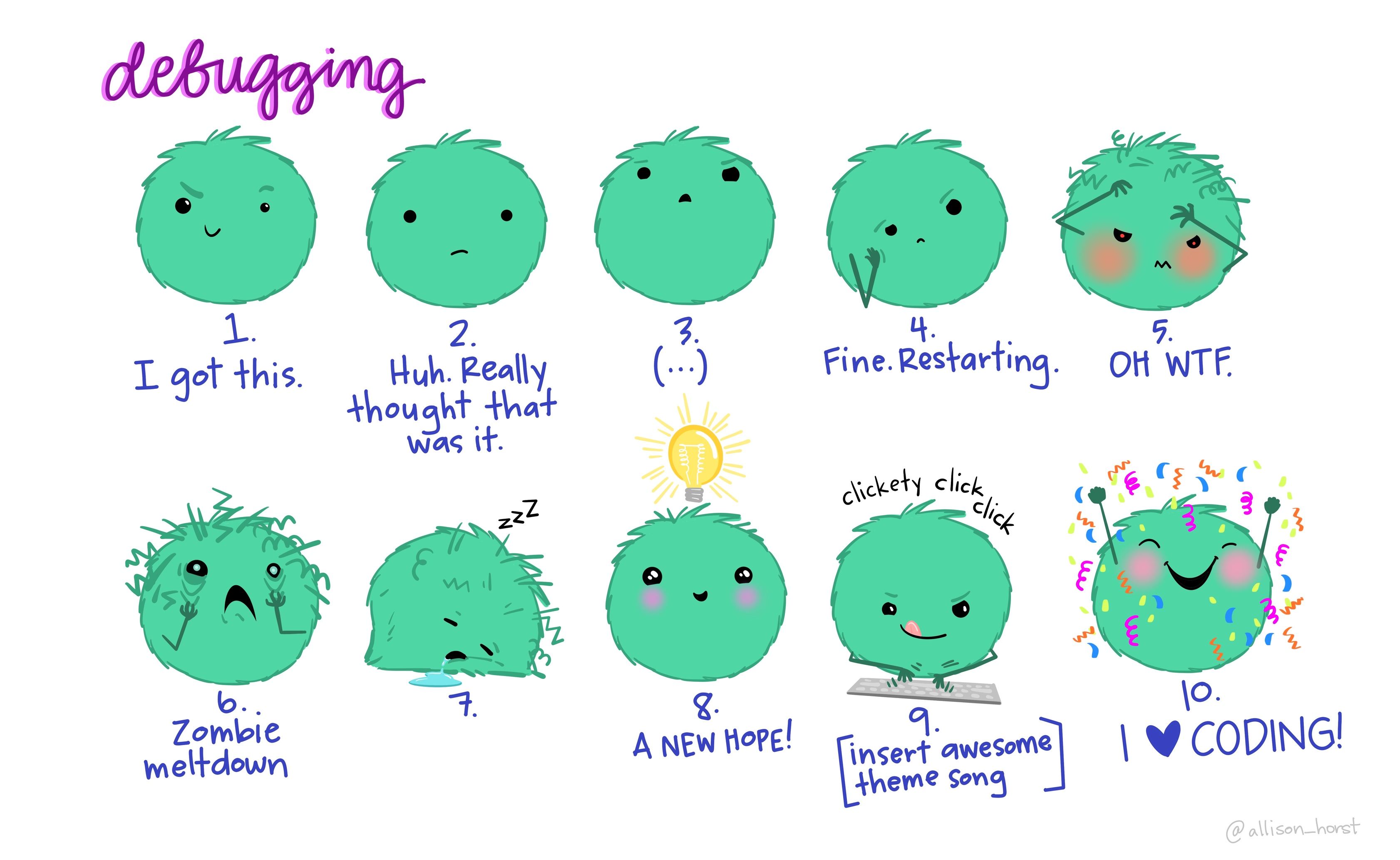
You will encounter problems and errors when working with R, and you will encounter them all the time. In fact, a large amount of your time in R will be spent figuring out solutions to these errors (“debugging”).
RStudio has many cheat sheets of its own that can help you in your learning journey, which you can find with the Command Palette (Ctrl-Shift-PCtrl-Shift-P, then type “cheat sheet”). However, even with these cheat sheets, you will still encounter other problems like errors or warnings.
Error messages will appear in red text in your Console and will start with the word “Error:”. Warning messages are also (usually) in red text, but are often either harmless or informative, so make sure to read the message first and see if it says “Error” or not. Here are some initial steps to take when you encounter an error:
- First, try to stay calm; problems happen to everyone, no matter their skill level.
- Read through the error or warning message and see if you can understand what R is telling you. Some common error messages include:
- “Could not find function”: Usually means that you have misspelled the function or an R package has not loaded properly.
- “Object not found”: Usually means that you have not initialized (created) the object or the object is initialized but empty.
- “Error in…”: Usually means that you are referring to an object that doesn’t exist.
- “Unexpected symbol in…”: Usually means that you misspelled a variable or object name, so R can’t find it.
- Go over the code again and carefully check for any mistakes:
- Missing commas or pipes?
- Missing end brackets like
],), or}? - Capitalized something that shouldn’t be capitalized?
- Object or column name misspelled?
- Forgot to load your data before working on it?
- Forgot to load or re-load your packages? Packages are automatically unloaded when you exit RStudio and R. So you need to load them each new session with the
library()function.
- Go back to the start of the code and run each line one at a time, to see where the problem occurs. You will get an opportunity to practice this later, once you are working with bigger chunks of code.
If you still can’t find the problem, here are some other steps to take:
Restart the R session with Ctrl-Shift-F10Ctrl-Shift-F10 or with the Palette (Ctrl-Shift-PCtrl-Shift-P, then type “restart”) or with the menu item
Session -> Restart R. Then load your packages (and data if needed) and run the code from the beginning, tracking which objects get created, and if the proper object name is used later on.(Rarely need to do) Close/re-open RStudio and try again.
Use
help()or?to access built-in documentation about a function or package. You may be using the function incorrectly, so find out more about the function by looking at the built-in documentation. The documentation will open up in the “Help” pane of RStudio (bottom right-hand corner). Try it out: Enter either of the following commands into the Console and run it (hitEnter).Console
?colnames
help(colnames)
Sometimes, this documentation can be hard to read and seem overly complex for a beginner. You can also try finding the website for the package you are having trouble with, as they often have guides that are a little easier to understand. The tidyverse packages all have amazing documentation that you can use to help you with problems you may have.
Consider explaining the problem out loud to a colleague or friend. (or to yourself!) You might find that, in verbally going through the problem and explaining it, you will likely come up with the solution yourself.
Take a break and come back to it later!
Google it. Chances are that someone has already encountered that error and has asked about it online. In fact, those who are “experts” in coding languages like R are experts largely because of their skill in knowing the right words or terms or questions to ask Google. Usually googling the error message will be enough to find the answer, but sometimes you’ll need to include “R” or “rstats” and the relevant package or function as a keyword in your search.
If all else fails, you can always turn to the trusty online R community. Check StackOverflow, a coding-related question and answer website, to see whether your issue has already been asked and solved by others. If it hasn’t and you are considering submitting a question, make sure to read the posting guides beforehand to ensure that you are asking the question in a helpful way.
Final words: It is important to always work towards writing “better” and “neater” code, as this can make it easier to break down pieces of code and troubleshoot problems. Knowing how to do that takes some experience, that you can only get by practicing more coding!